How to Save TikTok Stories
A TikTok Story stays up for 24 hours, according to TikTok's help center. Save a public Story yourself while it is up, or let StoryHideout check a creator and save the new Stories it detects.
Find a creator or paste a Story link
Free · No TikTok login · Public accounts only
Save a Story now
For a Story that's public on TikTok right now. No account and no TikTok login. To only watch, use the TikTok Story Viewer.
-
Copy the username or Story link
The username is on the creator's TikTok profile, after the @. For one particular Story, open it in TikTok and tap Share, then Copy link.
-
Enter it above
Type the username or paste the link into the field above and press Find Stories. A Story link changes the button to Download.
-
Watch and download
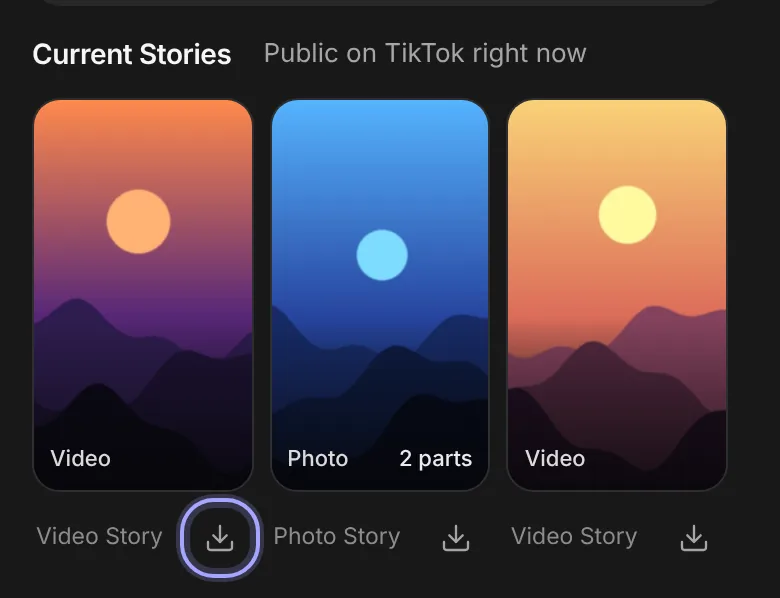
Each public Story is marked Video or Photo. Tap one to watch it, or use the download button under it. On a phone it opens the Share sheet or saves to Photos.
Save future Stories automatically
For creators you want to keep up with. Add a creator once and StoryHideout checks their public profile on a schedule, with nothing left open on your device.
-
Look up a public creator
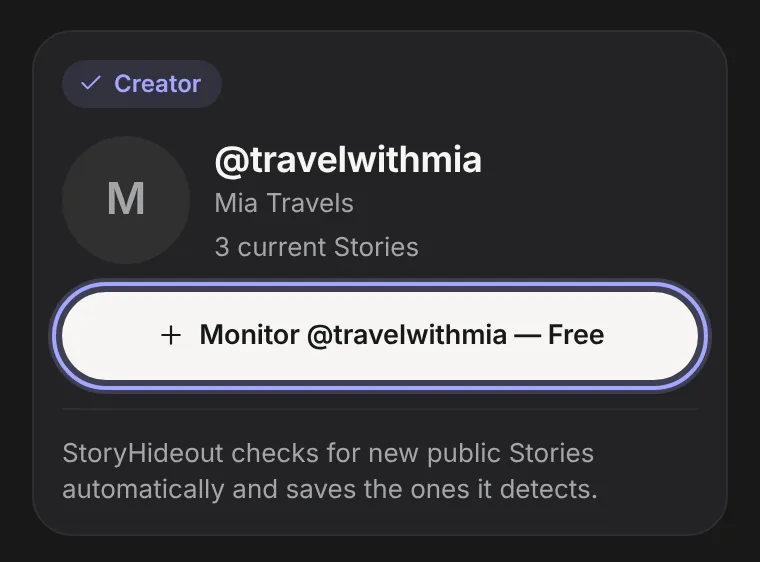
Search for them in the field above. Their result has a Monitor button.
-
Start monitoring
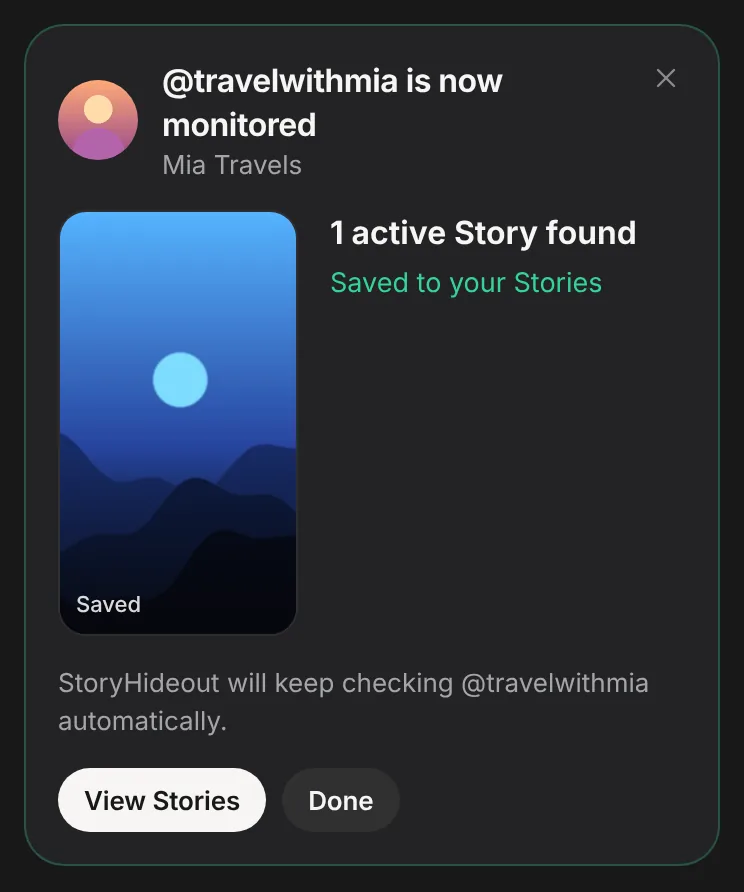
Choose Monitor. Not signed in? You create a free account first (no TikTok password) and the creator is added when you're done. StoryHideout then runs a first check.
-
Open your Story library
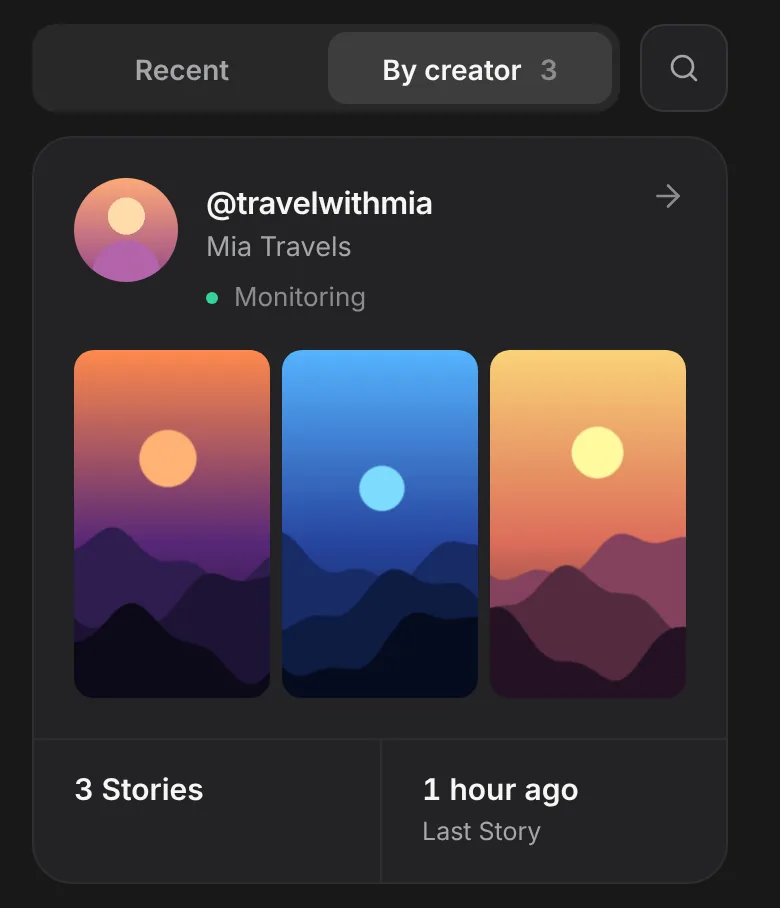
The new Stories StoryHideout detects are saved to your account. They appear in your Story library, grouped by creator.
Checks run on a schedule, so a Story is saved some time after it is posted. How often depends on your plan; see the current plans. A Story that is posted and removed between two checks can't be detected. Only Stories that are captured successfully are saved.
If something goes wrong
Story expired or removed
StoryHideout can't recreate a Story it never saved. If you were monitoring the creator and the Story was captured in time, it's in your Story library.
Private or missing account
StoryHideout only works with publicly available content and never asks for your TikTok login. Check the spelling of the username.
No current Stories right now
Nothing is public at the moment. Try again later, or monitor the creator so new Stories are saved when StoryHideout detects them.
The link isn't recognised
Copy it in TikTok with Share, then Copy link, or use the @username. LIVE broadcasts and links from other sites can't be downloaded; regular videos and photo posts go through the TikTok downloader.
Monitored Story not saved
It was probably posted and removed between two checks, it wasn't public, or it couldn't be captured. Checks run on your plan's schedule.
The download doesn't save
On iPhone, if the Share sheet doesn't open, press and hold the full-size Story to save it to Photos. On Android, a browser that can't share files downloads it normally. On a computer, look in your downloads folder.
Questions
Do I need an account?
Not to save a Story now. Automatic monitoring needs a free StoryHideout account, so saved Stories have somewhere to go. You never need a TikTok login.
Can I save photo Stories?
Yes, video and photo Stories both work, in the best available quality. A Story with several parts downloads as separate files.
How often does it check?
On a schedule that depends on your plan. The plans show how often each plan checks and how many creators it covers.
How long are Stories kept?
Automatically saved Stories stay in your Story history for your plan's history window, counted from capture. The Vault is separate: Stories you save there yourself stay until you remove them, within your plan's storage.
Want to save future Stories automatically?
Monitor a public creator and let StoryHideout save the new Stories it detects. Saving one Story from a link? Use the TikTok Story Downloader.